Automation
Smart Home control system based on Xiaomi Mi Home
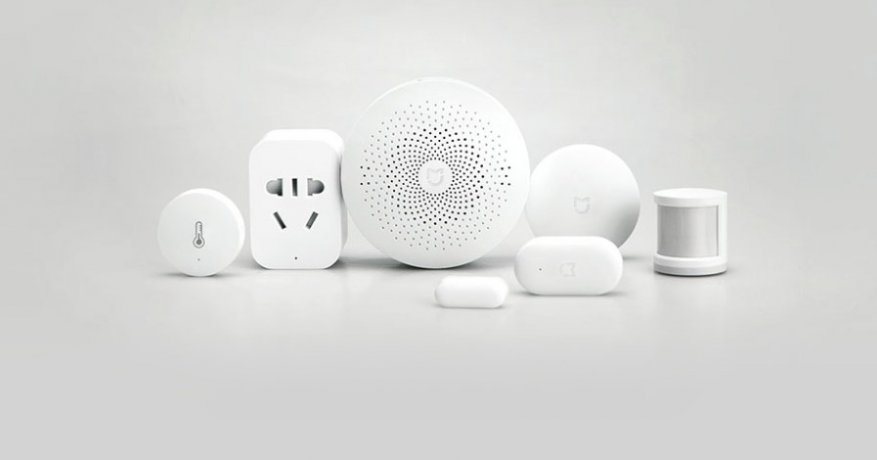
Xiaomi Mi Home Ecosystem
Choosing the Xiaomi ecosystem was obvious: a wide range of devices, broad availability (AliExpress, OLX, local stores), simplicity, affordability, quality, and active development.
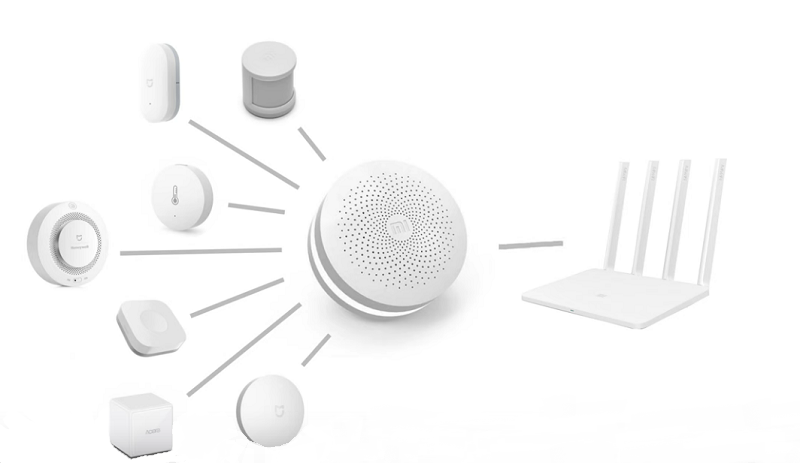
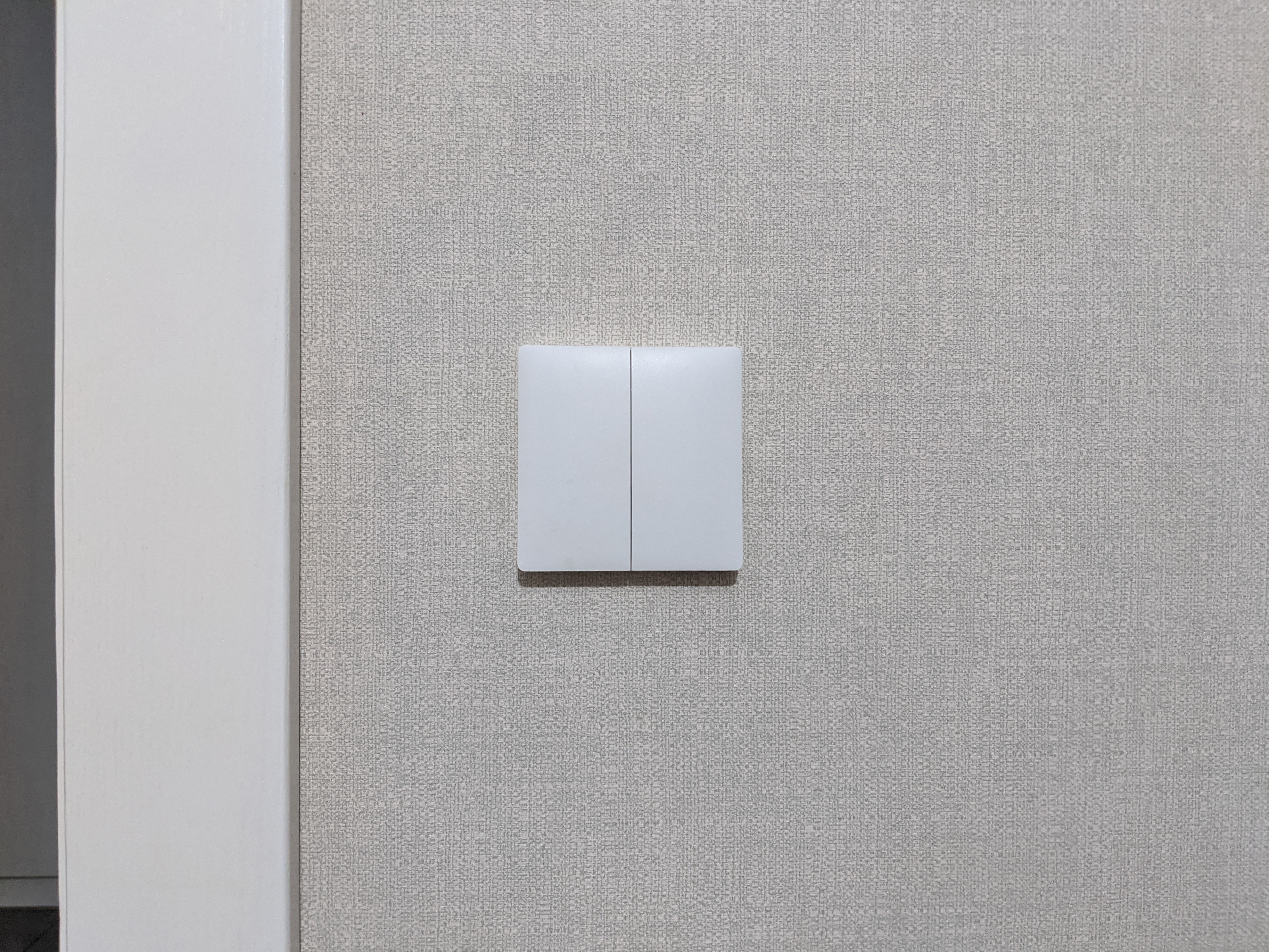
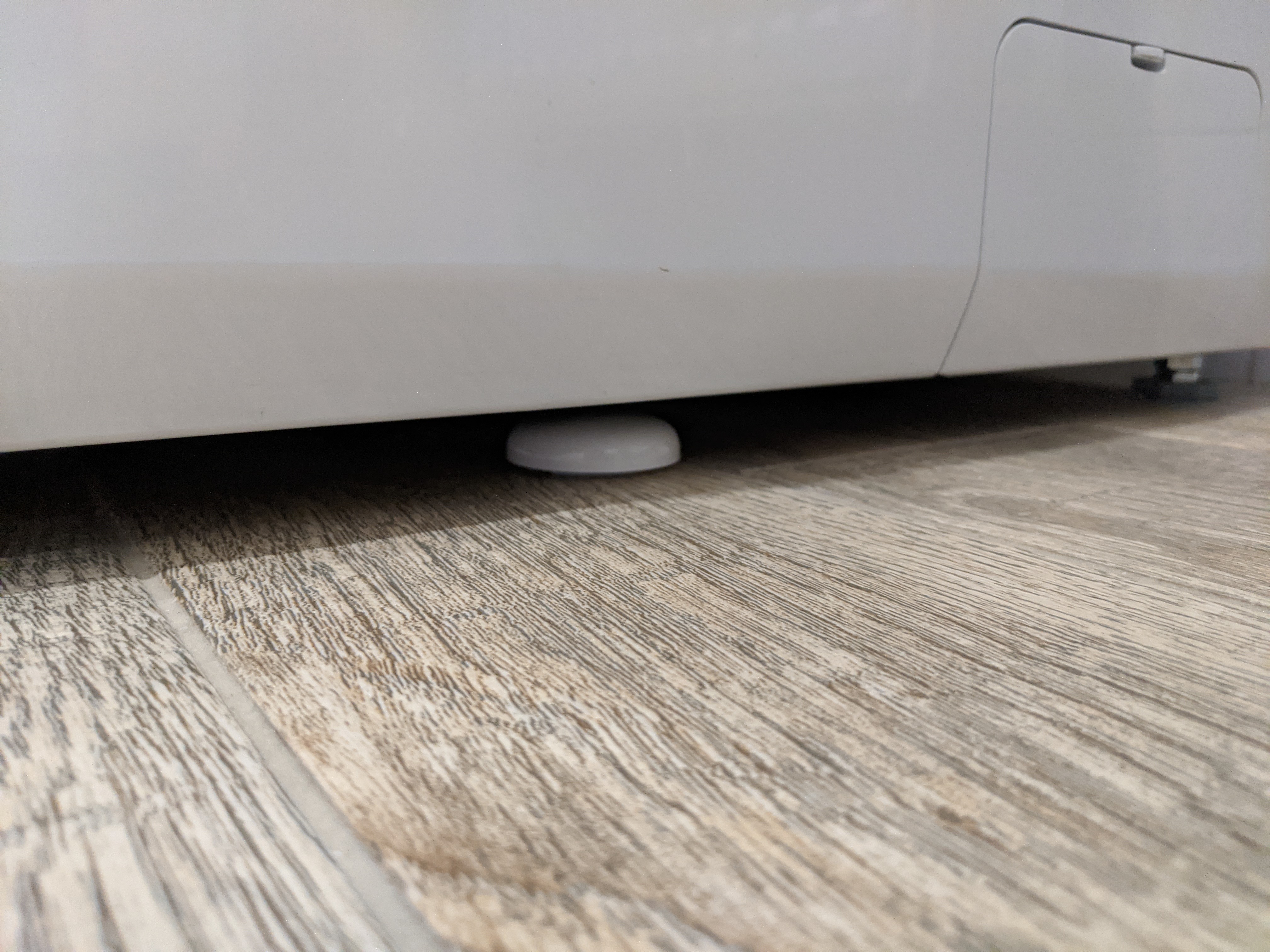
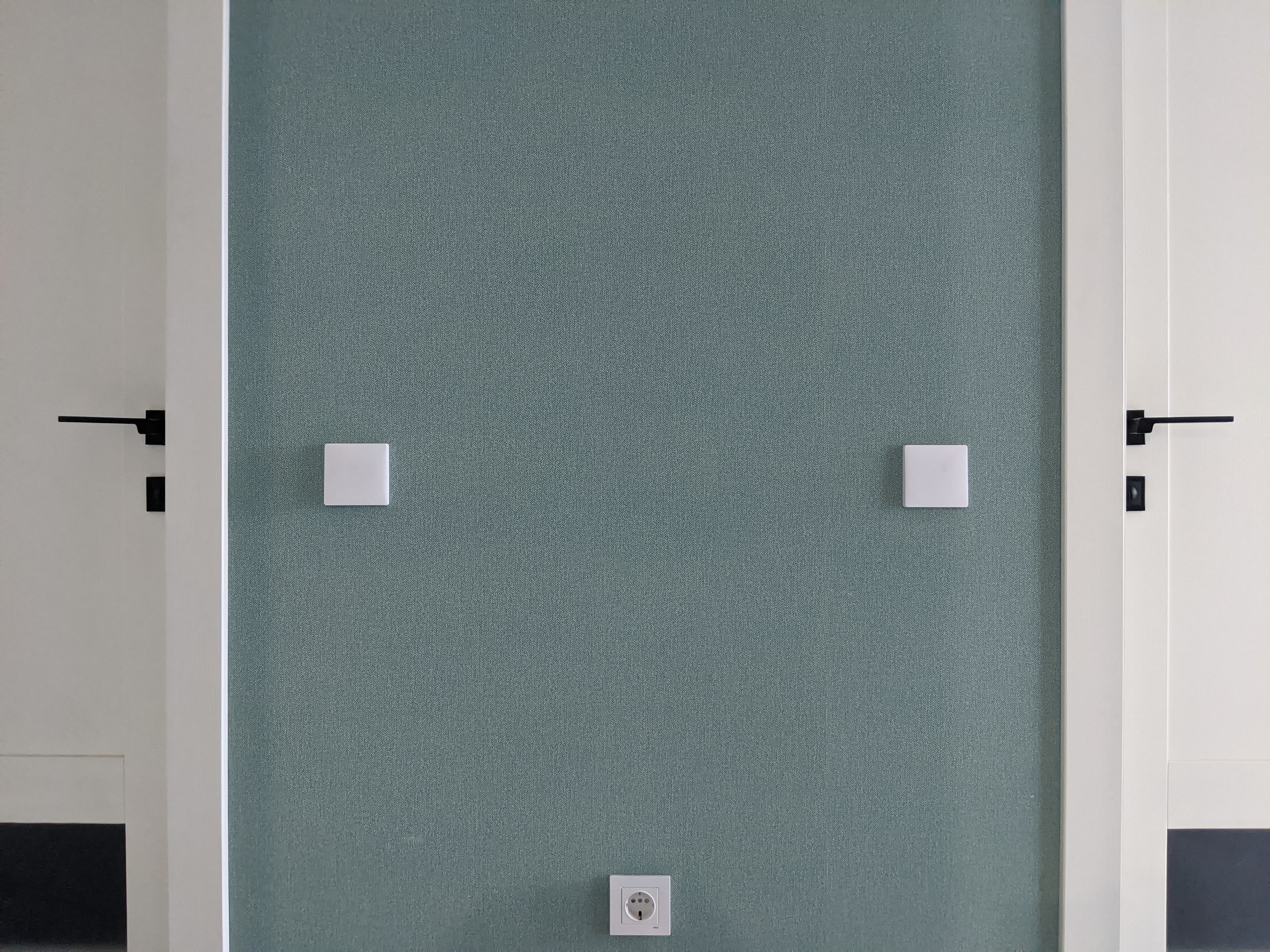
Xiaomi uses the ZigBee protocol to control its wireless devices and sensors. It provides secure data transmission at moderate speeds and long battery-powered operation.
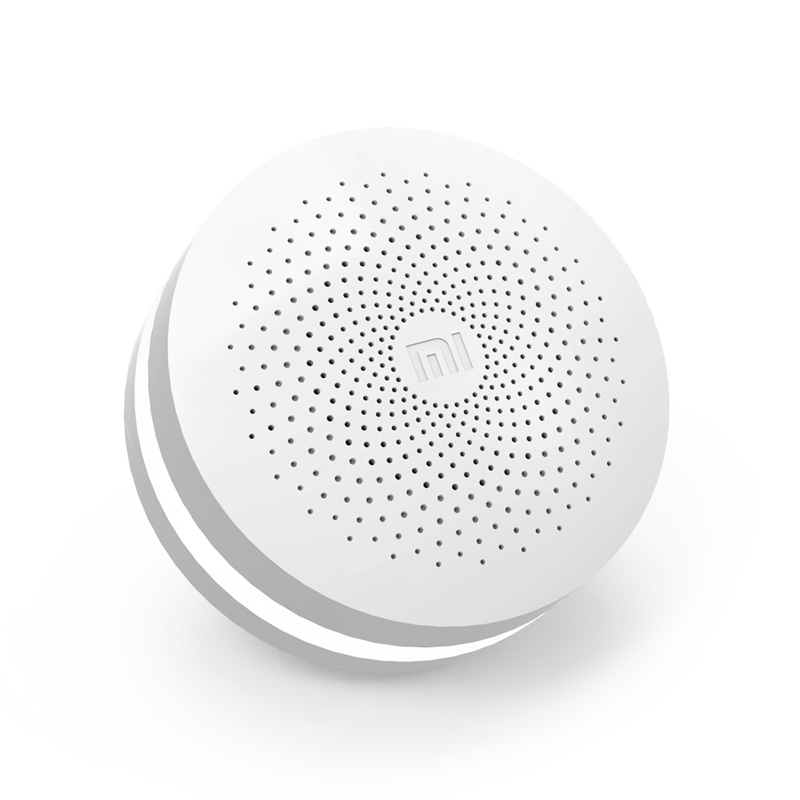
The core device in the Xiaomi ecosystem is the Smart Home Multifunction Gateway 2 (there are three versions; this overview uses version 2). The gateway connects to Wi-Fi and acts as a bridge between the Mi Home app and your sensors and devices. Without it, nothing works.
MiHome | Devices in Action



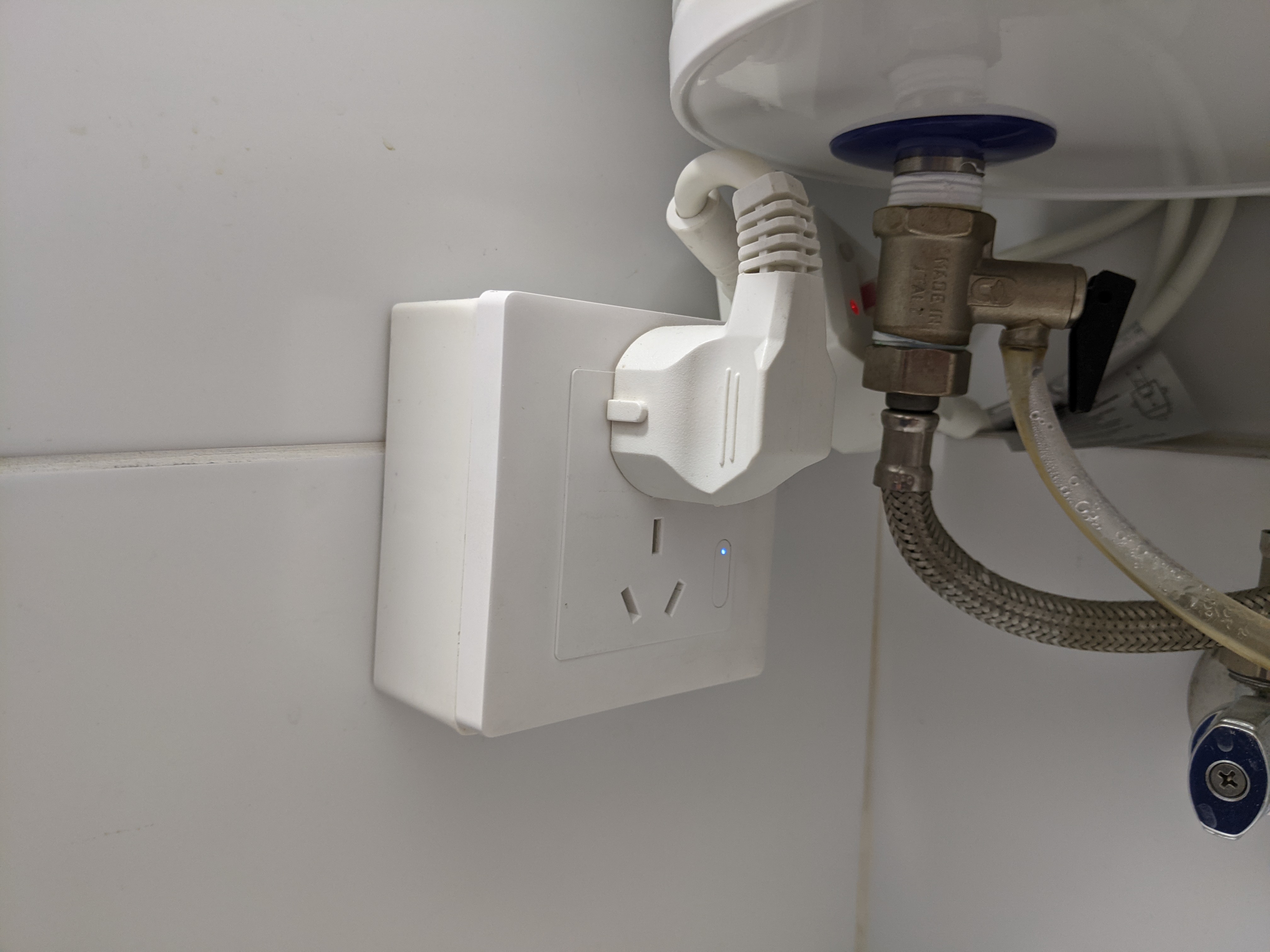
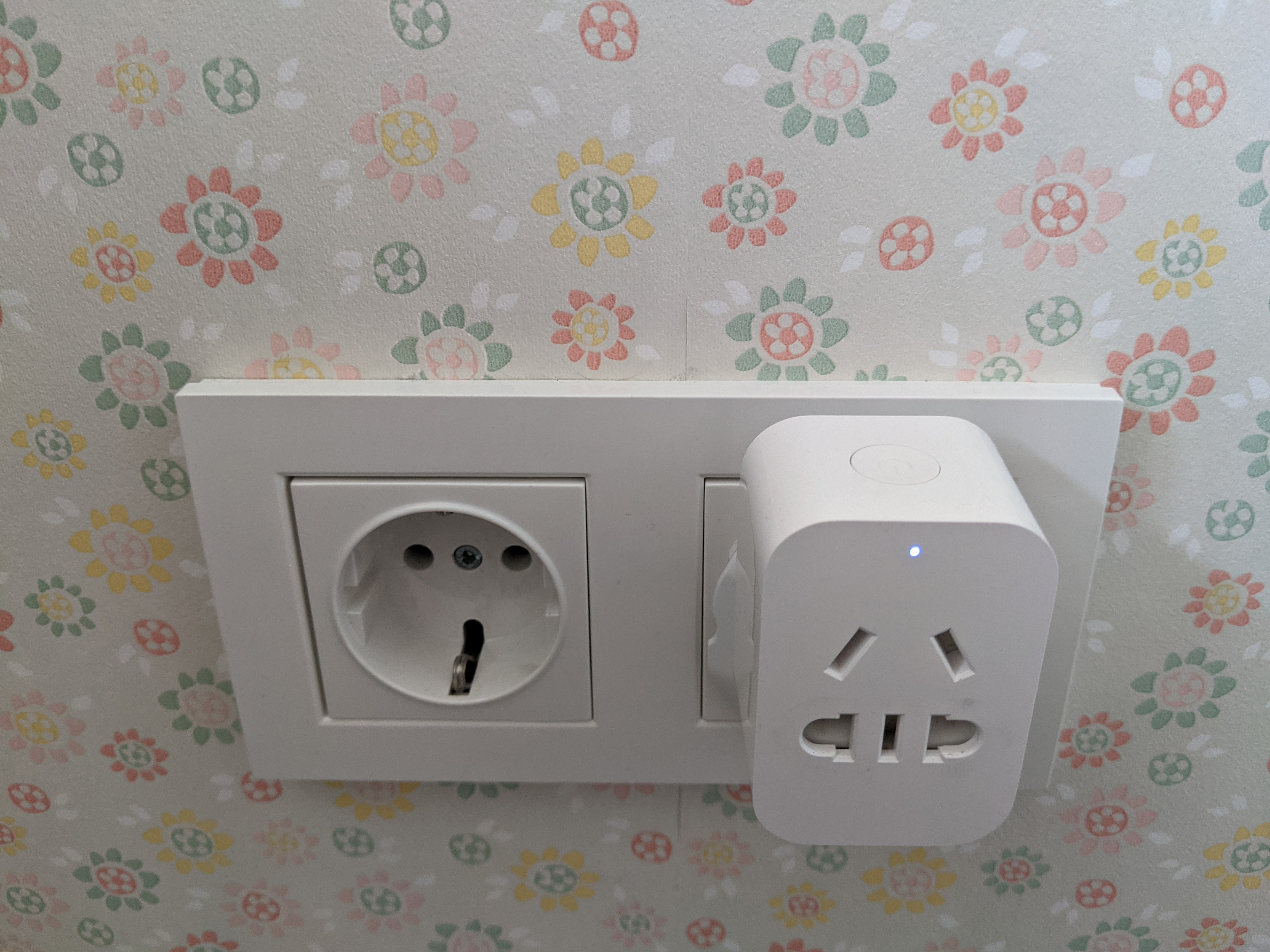
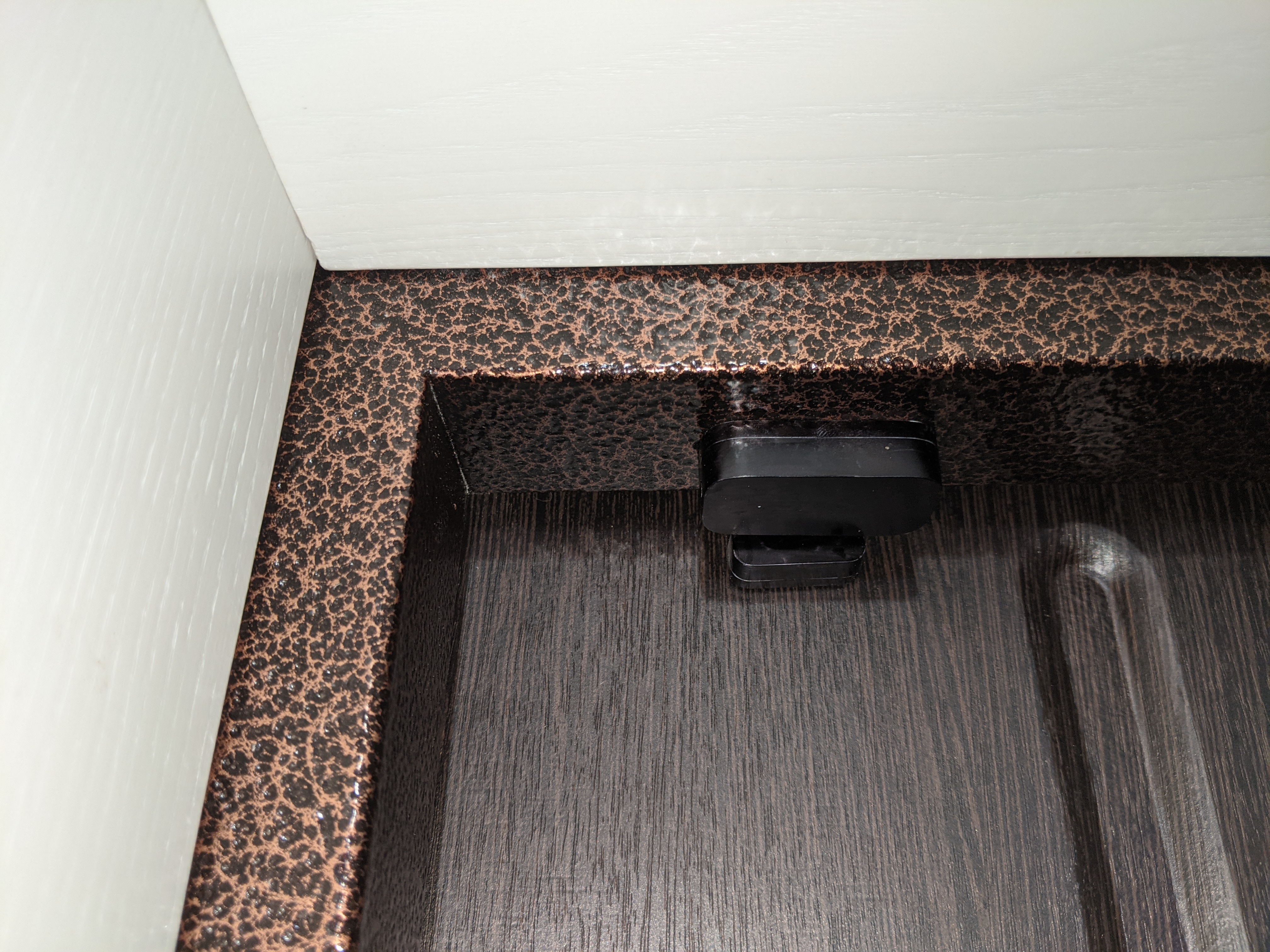


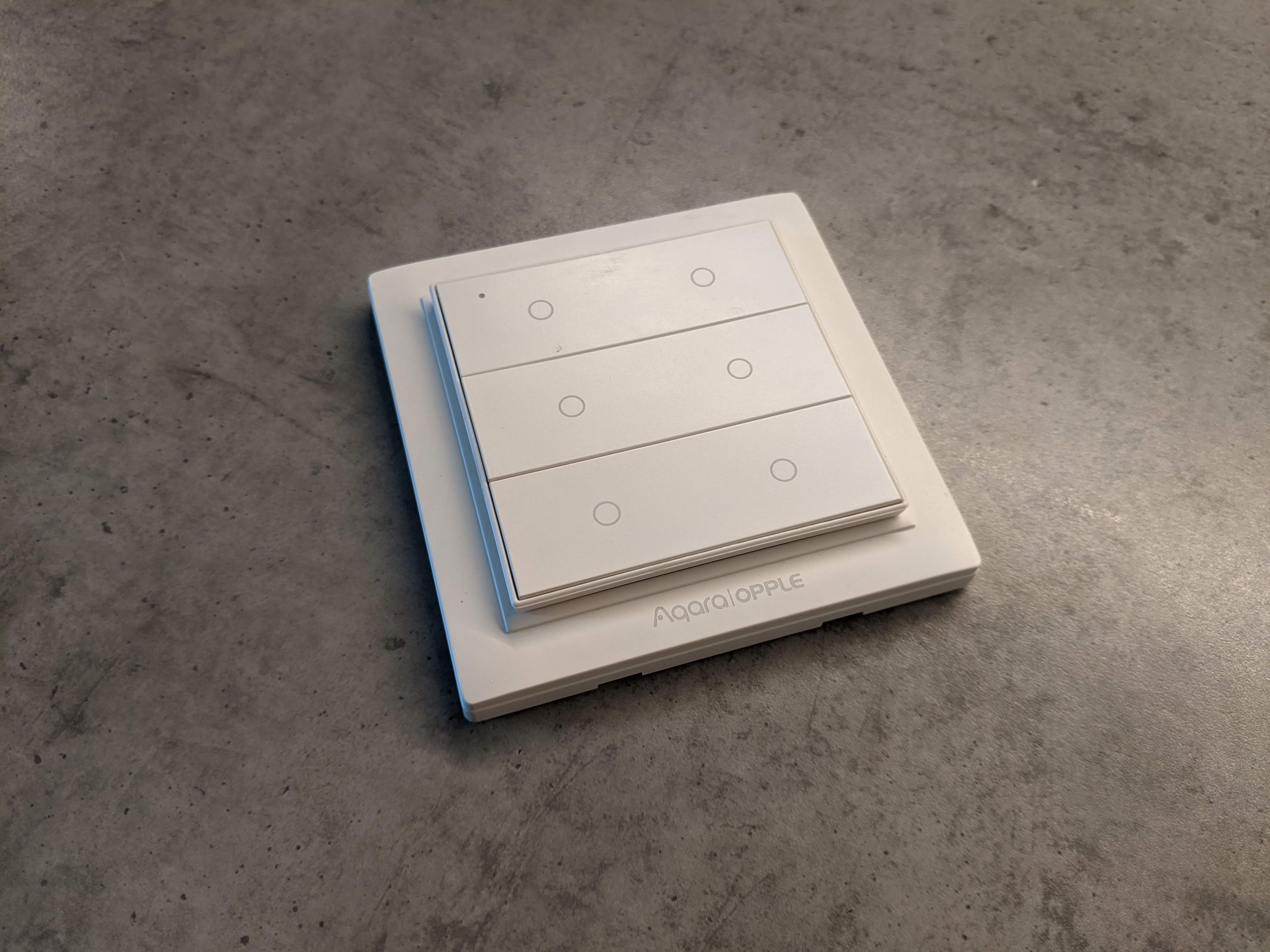
MiHome | Interface and Control

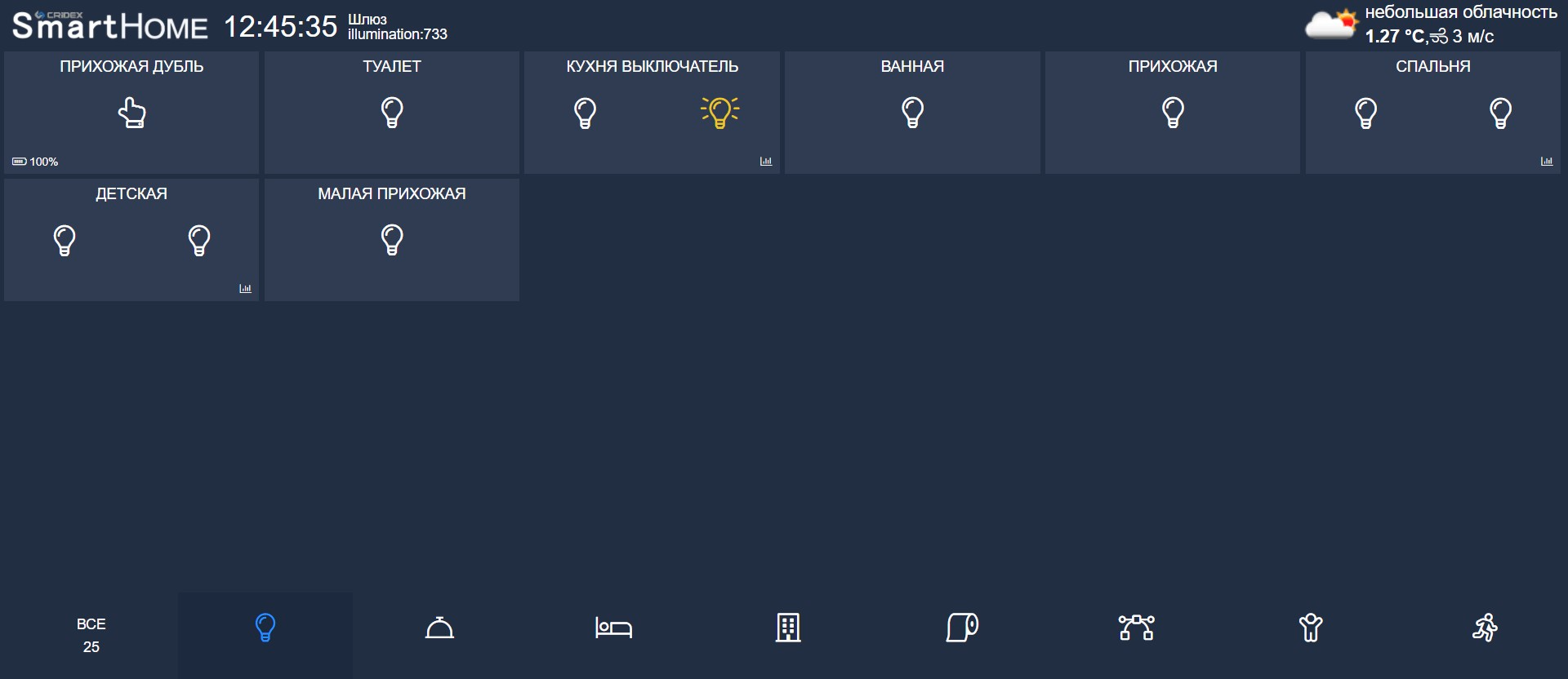
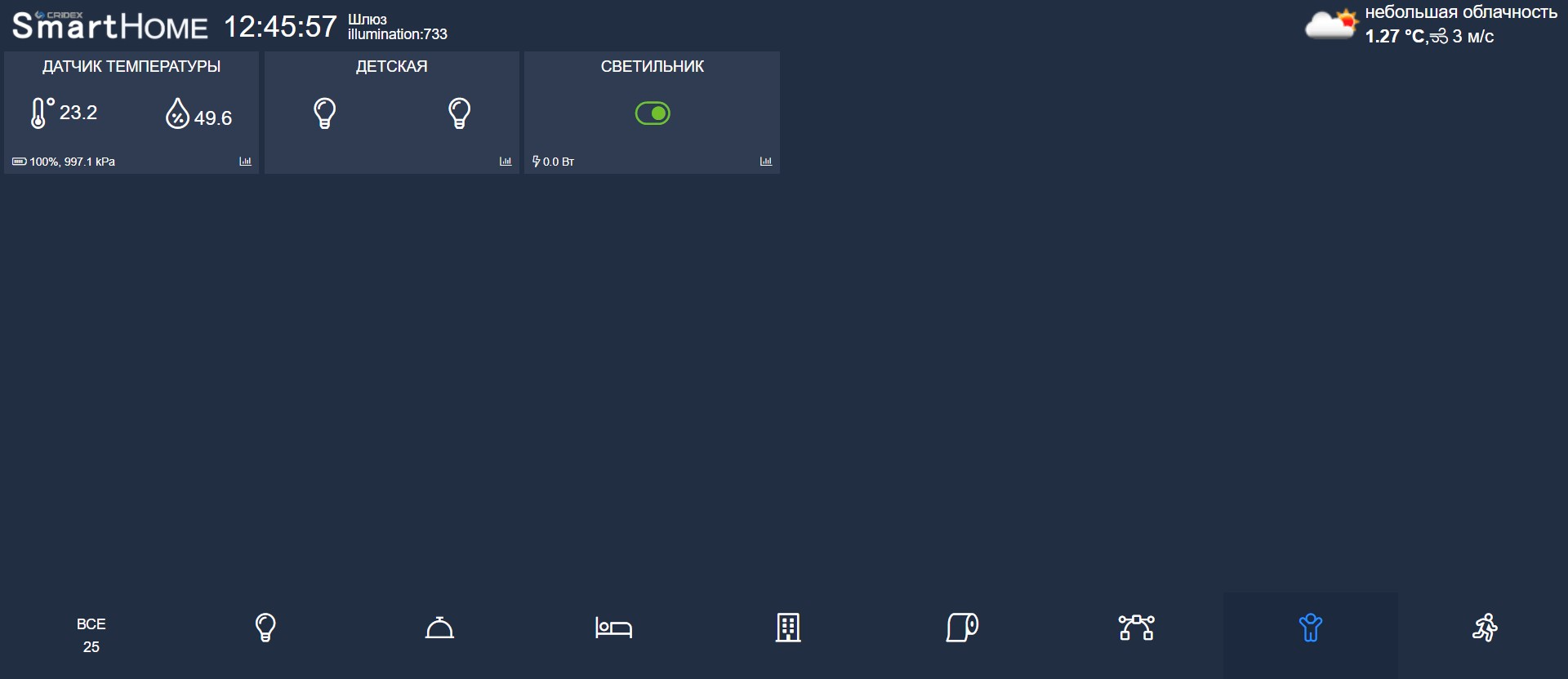
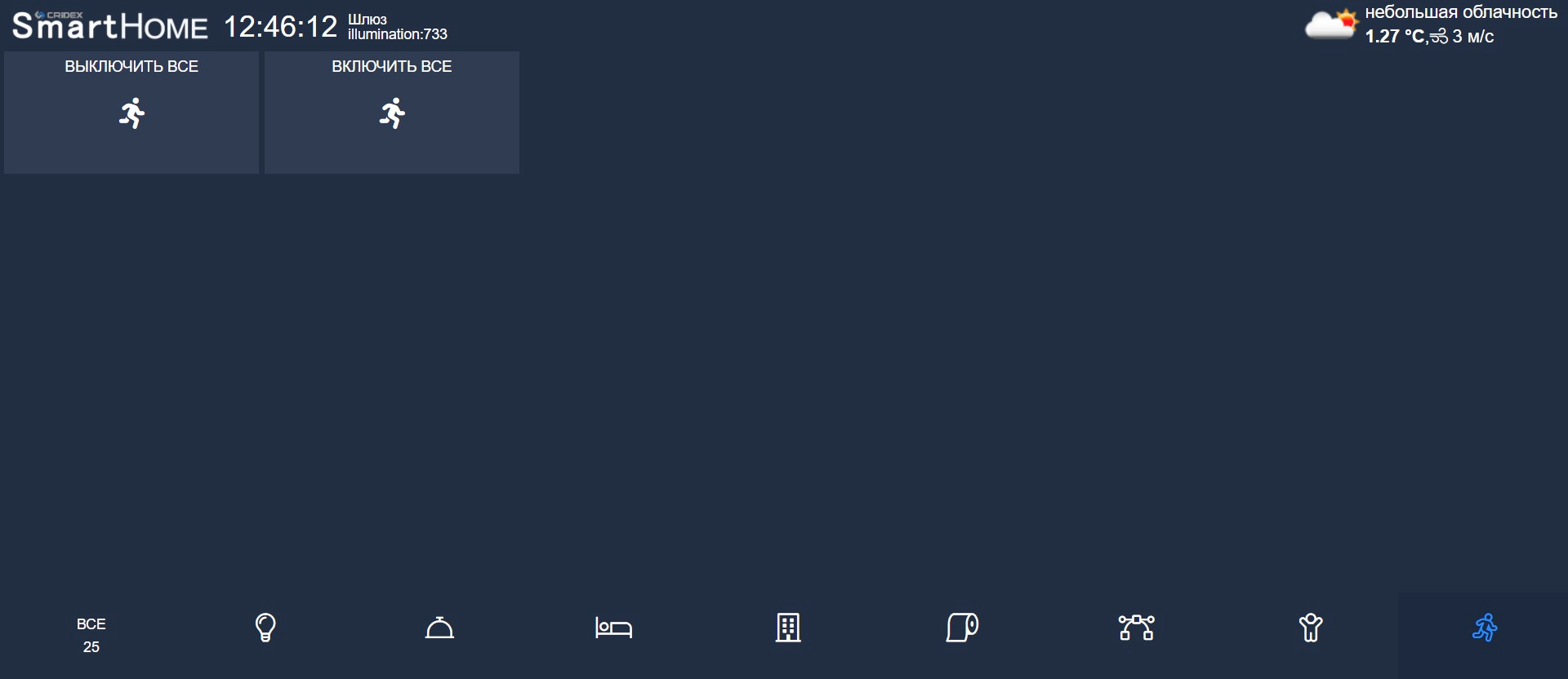
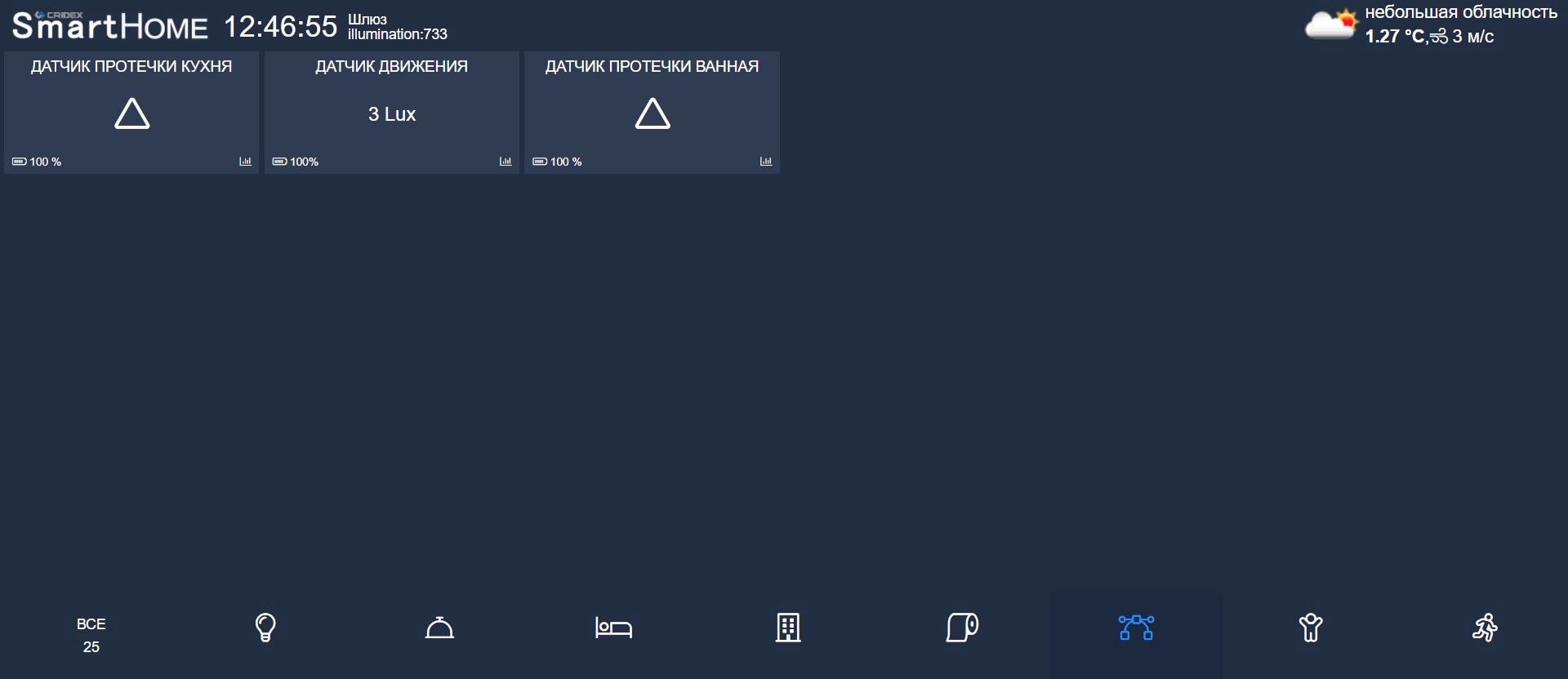
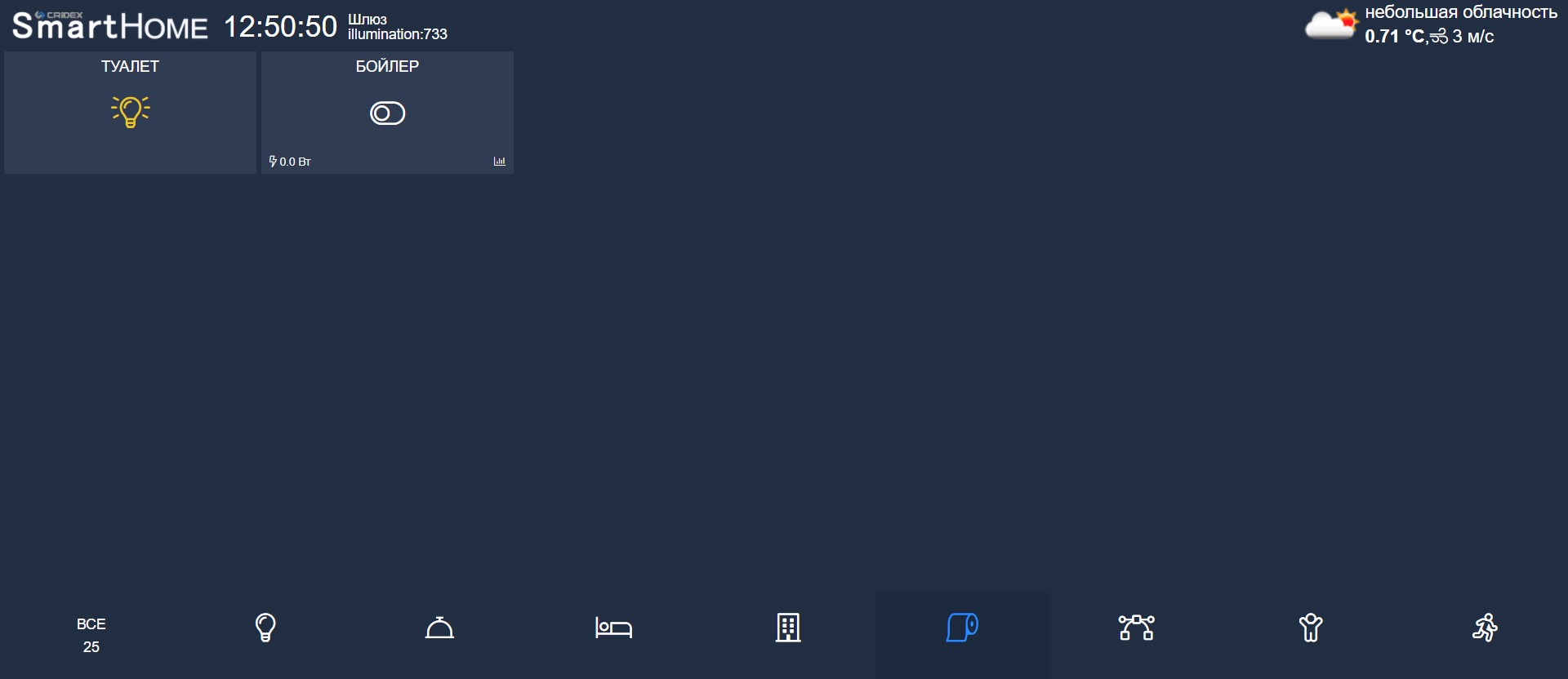
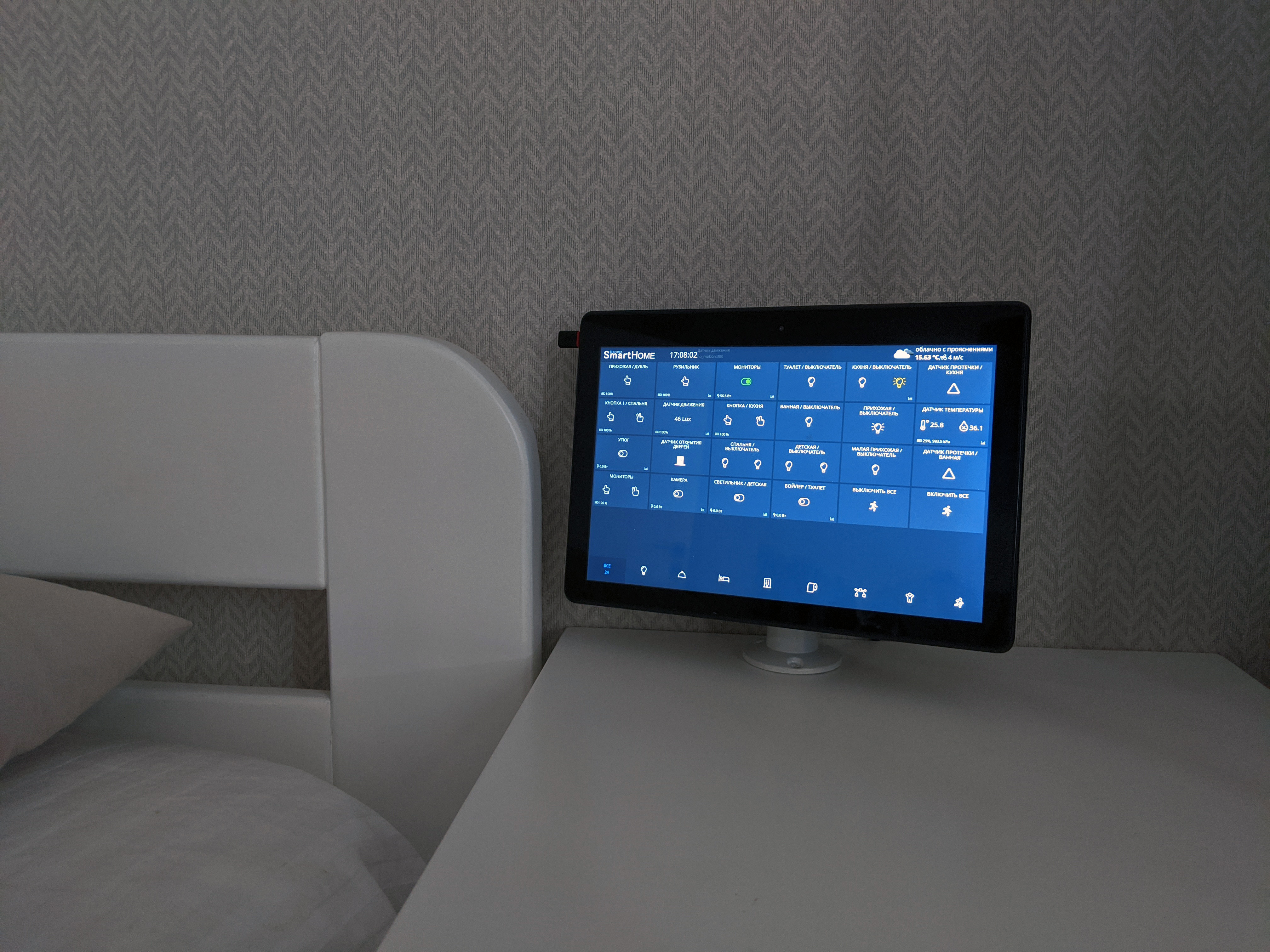
You can control the system via the Mi Home mobile app, but due to KioskMode limitations a custom control interface was developed. It runs on a home Linux server and is available in a browser on any device. A ready-made Android shell can be installed to quickly launch the interface; NoSleep is enabled so the device does not enter sleep mode, which is convenient for 24/7 control panels.
Telegram
For convenient feedback, the system can be integrated with a Telegram bot. In the control system you can define messages and the Telegram account IDs to which they should be sent.

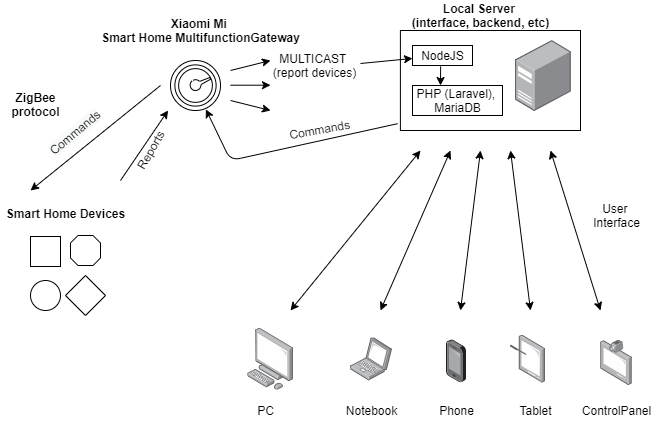
Scheme and Operating Principle
The system is built on Xiaomi's ready-made wireless solution, which includes a central gateway along with various control devices and sensors. Devices communicate with the gateway via the ZigBee protocol, ensuring stable wireless connectivity with minimal power consumption. Basic control is via Xiaomi's official app, which does not support KioskMode and provides limited information.
Our control interface is a web-based application deployed on an inexpensive Linux server running our software and configurations. The interface is available on any device with a browser (PC, laptop, tablet, phone, control panel). For Android-based panels, a special shell prevents sleep mode and hides the system UI.